
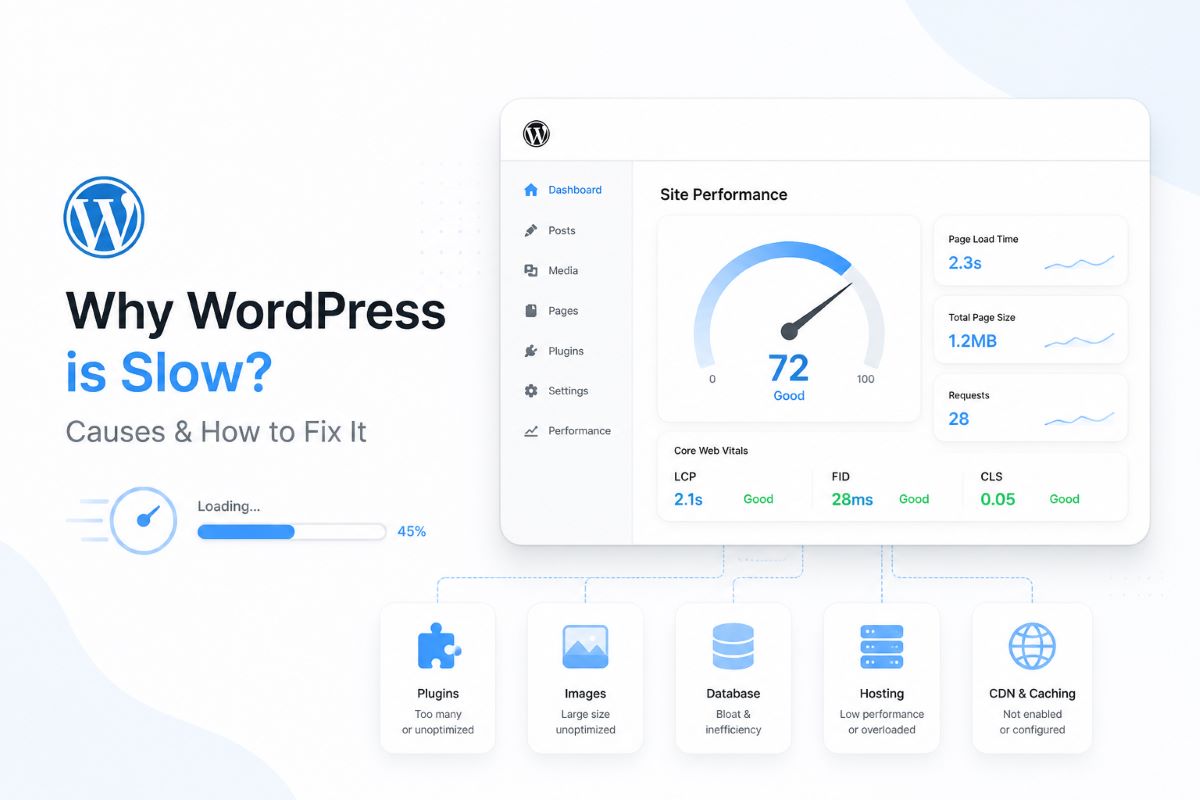
A slow WordPress website doesn’t just frustrate visitors—it also hurts your SEO rankings on Google. If your site is loading slowly, this guide will help you understand the main causes and how to fix them effectively.
Common Reasons Why WordPress Is Slow
1. Low-Quality Hosting
One of the biggest causes is using poor-quality Web Hosting:
- Slow server performance
- Overcrowded shared resources
- No SSD or NVMe storage
Result: your entire website becomes slow
2. Too Many Plugins
More plugins = more scripts and database queries
Especially problematic if:
- Plugins are unused
- Poorly coded
- Resource-heavy
3. Heavy Theme
Some themes include:
- Too many animations
- Large CSS/JS files
- Unnecessary features
This increases page load time significantly
4. Unoptimized Images
Large images can slow down your site:
- File sizes of 2–5MB
- Not using modern formats like WebP
5. No Caching
Without caching:
- Every visit reloads everything from scratch
- Server workload increases
6. No CDN (Content Delivery Network)
If your server is in one location, users far away will experience slower load times.
7. Unoptimized Database
Over time, WordPress accumulates:
- Post revisions
- Spam comments
- Unused data
How to Fix a Slow WordPress Website
1. Upgrade to High-Performance Hosting
Choose a reliable provider like Datatan that offers:
- SSD/NVMe storage
- LiteSpeed or NGINX servers
- Local data centers (for better latency)
This is the fastest way to improve performance
2. Use a Caching Plugin
Recommended plugins:
- LiteSpeed Cache
- WP Rocket
Benefits:
- Faster page load times
- Reduced server load
3. Optimize Images
Best practices:
- Convert images to WebP
- Compress images using tools like TinyPNG or ShortPixel
4. Reduce Plugins
- Remove unnecessary plugins
- Use multi-purpose plugins instead of many single-use ones
5. Use a CDN
For example:
- Cloudflare
Benefits:
- Faster global delivery
- Reduced server strain
6. Optimize the Database
Use plugins like:
- WP-Optimize
Clean up:
- Revisions
- Transients
- Spam data
7. Use a Lightweight Theme
Recommended themes:
- Astra
- GeneratePress
How to Test Your Website Speed
Use these tools:
- Google PageSpeed Insights
- GTmetrix
Conclusion
A slow WordPress site is usually caused by:
- Poor hosting
- Too many plugins
- Large images
Fixing these issues can significantly improve speed and boost your SEO performance.
Recommendation for Businesses
If you need a fast, stable, and scalable website, choose a high-quality Web Hosting from DATATAN.NET, designed specifically for business and enterprise use.